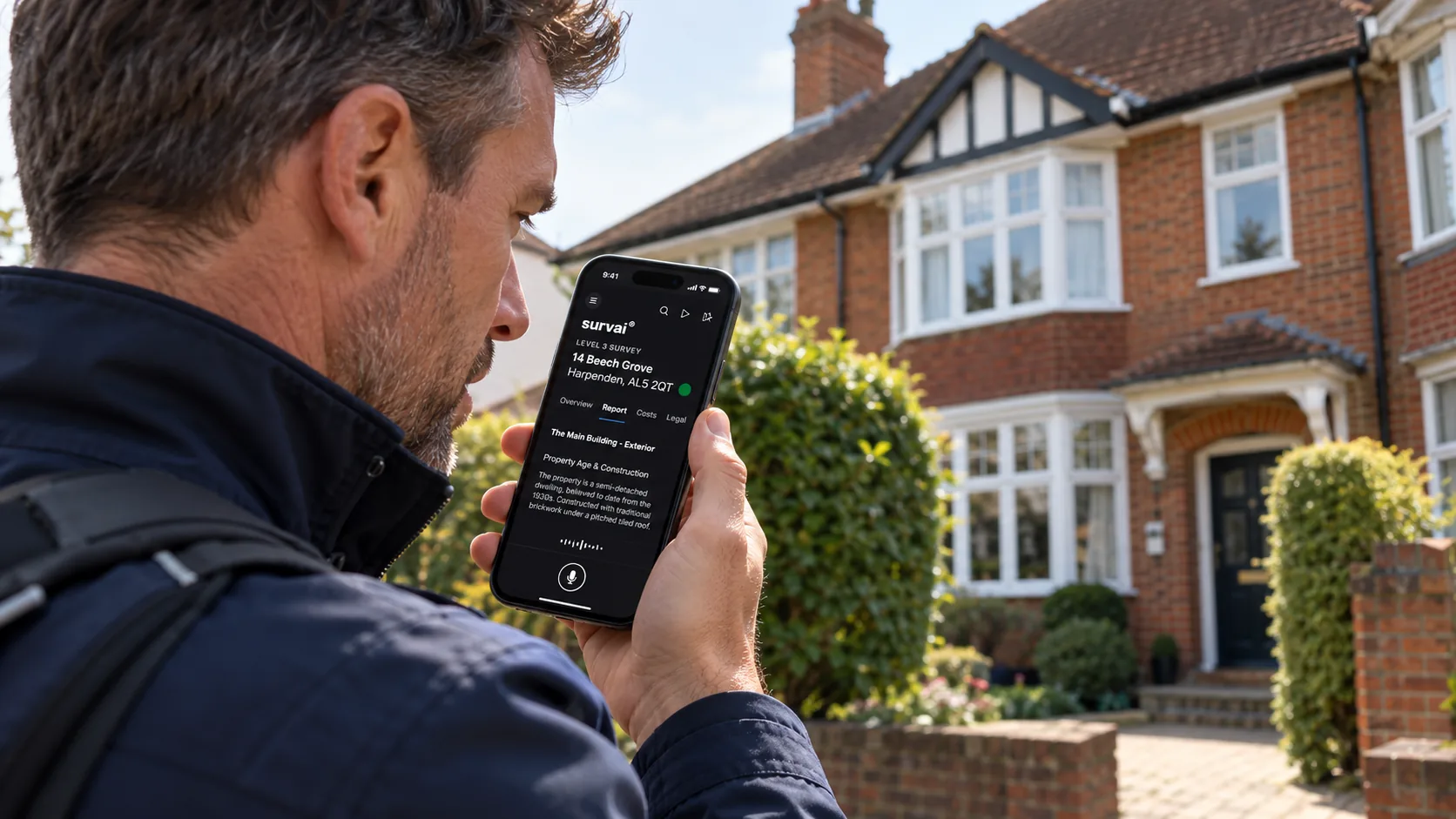
A report can be quick to generate and still take hours to finish.
Photographs need moving. Descriptions need rewriting. Recommendations need checking. Information entered during the inspection has to be entered again somewhere else.
The software may have finished its task. The surveyor still has plenty to do.
That is why choosing surveying software takes more than comparing feature lists or watching a polished demonstration.
The real test is what happens between accepting an instruction and delivering a checked, useful report to the client.
For a sole practitioner, that process affects earnings, evenings and the ability to switch off. For a larger practice, it also affects consistency, supervision, training and the experience of everyone doing the work.
The best choice should support professional standards while making the working day easier to manage and, ideally, more enjoyable.
Start with the work you actually do
Before looking at software, examine your existing process.
Follow a typical instruction through preparation, inspection, evidence capture, report drafting, checking, delivery and the client’s later questions. Record where time goes, where information is repeated and where work stops while someone waits for something else.
This is where workflow analysis helps. Critical path analysis identifies the dependent activities that determine how soon a process can finish. Applied sensibly to surveying, it shows which delays actually hold up delivery.
Perhaps photographs cannot be organised until a manual upload is complete. Perhaps another person must reformat the draft before it can be reviewed. Perhaps an amendment means changing the same information in three separate places.
Ask prospective suppliers to show how their systems handle those situations.
Some preparation could happen while other work continues. Information captured once could populate several appropriate sections. A correction could carry through consistently to related outputs.
Necessary checking still needs its place in the process. The aim is to remove avoidable repetition and waiting while keeping the work that makes the advice reliable.
Every interaction should earn its place
A tap on a screen seems insignificant. Repeated throughout an inspection and across a working week, it deserves closer attention.
The issue is not simply how many times a finger touches glass. It is how often you must stop observing the property to search for a control, navigate a menu, interpret a label or find your place again.
Consider the difference between recording an observation naturally and working through several screens to find a phrase that nearly describes it.
Both approaches may produce text. Their demands on the surveyor can be very different.
W3C’s cognitive-accessibility guidance recommends short critical paths: keeping the steps needed to complete a task to a minimum, and not making people work through optional steps along the way. It is a useful principle for evaluating professional software. Make essential actions easy to reach, and keep optional activity from obstructing the task.
During a trial, pay attention to small frustrations:
- How easily can you record an unexpected finding?
- Can you correct a mistake without losing your place?
- Is it obvious whether your work has saved?
- Can you return to an interrupted task and understand what remains?
- Are important controls consistently positioned and clearly labelled?
A well-placed confirmation can prevent an expensive mistake. Several unnecessary confirmations simply interrupt the work. Good design knows the difference.
Choose an interface people can comfortably work with
Appearance matters because people spend their days using the interface.
Readable text, clear spacing, predictable navigation and a sensible visual hierarchy help users find what they need. A crowded screen takes more effort to interpret, even when every individual feature has a purpose.
W3C guidance recognises that too much content and unnecessary interruptions make concentration and task completion harder. It recommends clear, manageable presentation and giving users control over distractions.
Accessibility should be part of the buying decision from the beginning.
People have different preferences and access needs, including some users with ADHD, dyslexia or other conditions. Ask the people who will use the system what helps them work. Do not assume that a diagnosis predicts someone’s preferred interface.
Useful options may include adjustable text, keyboard navigation, clear progress indicators, controlled notifications, reliable autosave and the choice between typing and dictation.
Voice input can be valuable, but test it in realistic conditions. Background noise, privacy, specialist terminology and personal preference all matter.
The most useful flexibility lets people work effectively without forcing everyone into the same routine.
Wellbeing belongs in the specification
Software is part of a working environment that also includes workload, deadlines, equipment and management expectations.
A system that reduces unnecessary typing or repeated handling of information may help make that environment more manageable. It cannot, by itself, remove the risk of repetitive strain, fatigue or burnout.
HSE identifies risks from unsuitable display-screen use and poorly designed workstations, including discomfort, fatigue and eye strain. Its guidance on workstations and assessment also emphasises breaks or changes of activity. Those considerations still apply when introducing more efficient software.
For practice owners, a useful question is what happens to the time saved.
Will it create space for careful review, professional development and a reasonable finish time? Or will the same working day immediately fill with more instructions?
Software can support a better working pattern. The practice decides how to use that opportunity.
Judge the report through the client’s eyes
The finished report is one of the most important tests of any platform.
Read a sample as though you were the homebuyer. Can you understand what was inspected, what was found, why it matters and what you should do next?
Look for property-specific descriptions, photographs that support the findings, clear limitations and recommendations that make sense in context.
Templates and standard wording can provide a useful foundation. The surveyor must be able to adapt them accurately to the property and the agreed service.
Check that the software supports the survey levels and other report types your practice actually delivers. Where it produces repair estimates, examine the assumptions, the exclusions and how easily the figures can be reviewed.
Branding should go further than a logo on the cover. Typography, image quality, navigation and presentation all affect how easily a client can use the document.
Interactive features should make information easier to understand or revisit. Ask whether the client can still access, download and keep the information they need.
A report should leave the reader better informed about the property and their next decisions.
Treat automation as something to evaluate
If a platform uses AI, ask what it does, what evidence it works from and how its output is checked.
Can a finding be traced back to the inspection record? Are access limitations preserved? Can a surveyor amend or reject suggestions? What happens when information conflicts?
Test a difficult example. A straightforward demonstration may reveal little about how the system handles an unusual construction detail, an incomplete inspection or a correction made late in the process.
RICS’ professional standard on responsible AI use requires professional judgement about the reliability of outputs that materially affect surveying services. Software selection should therefore consider whether the platform supports meaningful review and documented responsibility.
Measure the time taken to produce a checked report. Draft-generation speed is only one part of that measurement.
A sole practitioner and a larger practice need different things
A sole practitioner may prioritise straightforward setup, dependable mobile working, flexible report writing, manageable costs and responsive support.
A larger practice may also need shared templates, individual permissions, clear review responsibilities, version history and visibility of work awaiting approval.
Consistency should help a team maintain its standards while allowing each surveyor to explain the property accurately.
Involve the people who will use the software in choosing it. A manager’s view of a dashboard may be very different from a surveyor’s experience of collecting information in a cramped roof space or reviewing a complex report.
Better tools can contribute to a more satisfying working environment, but keeping good people also depends on workload, pay, management and professional development. Software is one part of that wider picture.
Reliability and support deserve serious attention
Ask what happens when conditions are less than ideal.
Does the system work with poor connectivity? What can be completed offline? How does synchronisation behave when a connection returns? Can you move between the devices you actually use without losing information or duplicating work?
Investigate support as carefully as the main features. Check availability, escalation arrangements, onboarding and the help provided during a significant problem.
Security and data handling also belong in the assessment. Ask for clear information about access controls, storage, processing providers, retention, deletion and any use of information for AI training.
Finally, understand how you would leave.
Find out whether reports, photographs and underlying records can be exported in usable formats, what that costs and how long access continues after cancellation. These arrangements are easier to evaluate before a practice depends on the system.
Compare the full cost of using it
The subscription price is only one part of the value.
Include setup, training, additional users, report allowances, storage, optional modules, integrations and migration. Then consider the staff time spent preparing, checking, correcting and supporting each report.
A lower subscription may come with more manual work. A higher subscription needs to justify its cost through benefits your practice can demonstrate.
Time saved only becomes additional income if there is suitable work to fill the capacity. It can also be used to improve service or reduce working hours. Those are valid outcomes, but keep them distinct when assessing the business case.
Run a trial that resembles a real working week
Choose representative cases, using information you are authorised to share. Include an awkward property and a report that needs revision.
For each shortlisted platform, assess:
- Total working time: from preparation through to checked delivery.
- Report quality: accuracy, clarity, limitations and useful advice.
- Ease of use: navigation, corrections, interruptions and recovery.
- Reliability: saving, connectivity, synchronisation and changing devices.
- Client experience: readability, access and understandable next steps.
- Practical ownership: support, security, total cost and data export.
Gather feedback from the people doing the work. Record where they needed help, where they repeated information and where the system made a task easier.
Recommendations from colleagues are useful starting points, but their practices may have different instructions, staffing and priorities from yours.
Before committing, ask one final question.
Would you be comfortable spending your next busy working week using this system?
The answer should reflect the quality of the advice you can deliver, the effort it takes to deliver it, and the working life you want to sustain.